
13 min read
AI for SOLIDWORKS: Copilots, Agents & Cosmon
How SOLIDWORKS AI copilots and Cosmon's AI Agent complement one another. (August 2026)
Hritik Chalse
Product development rarely happens in one tool. A part gets modeled in SOLIDWORKS, detailed in a drawing, checked against manufacturability rules, handed to Ansys or COMSOL for analysis, and recorded in a PLM system - often by different people with different domain expertise. The design is one continuous thing. The toolchain isn't.
SOLIDWORKS 2026 shipped meaningful AI into that first stage, from assistive drawing creation to the AURA and LEO Virtual Companions to generative design in 3D Creator and xDesign. These are real capabilities, and for work inside SOLIDWORKS they make engineers measurably faster.
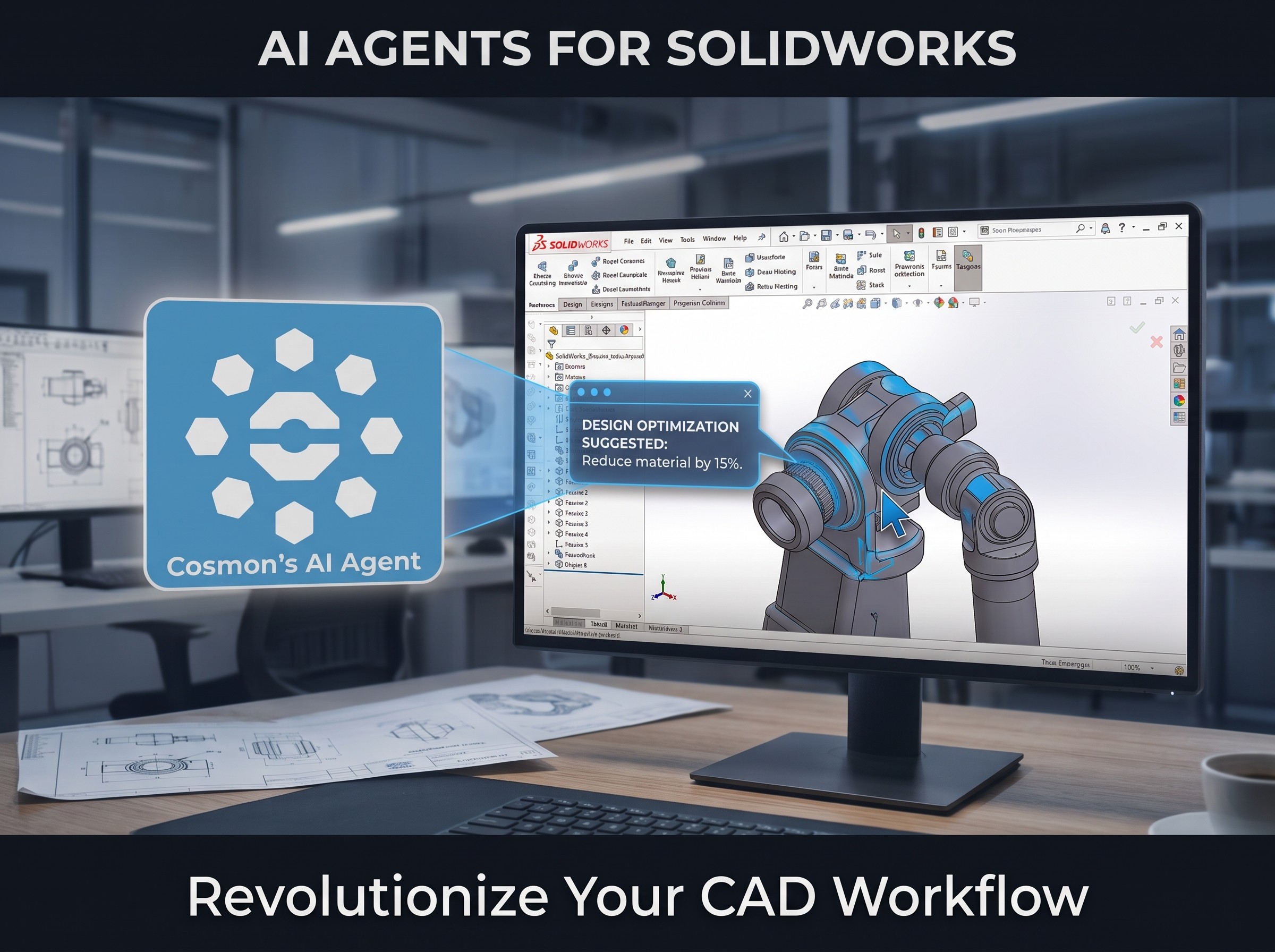
Cosmon's AI Agent is built for what happens next - and for the teams whose process spans several tools, domains, and teams. It runs natively inside the CAD, CAE, and PLM software your team already uses, carries a single change through the model, the drawing, the checks, and the downstream analysis, and remembers how your team works from one project to the next. This guide covers how copilots and agents differ as categories, and how Cosmon extends the workflows you already have.
TL;DR
SOLIDWORKS's built-in AI is strong inside SOLIDWORKS. Model and mass-property queries, first-pass drawings, assembly structure generation, and simulation setup all run in-session, with you driving each step.
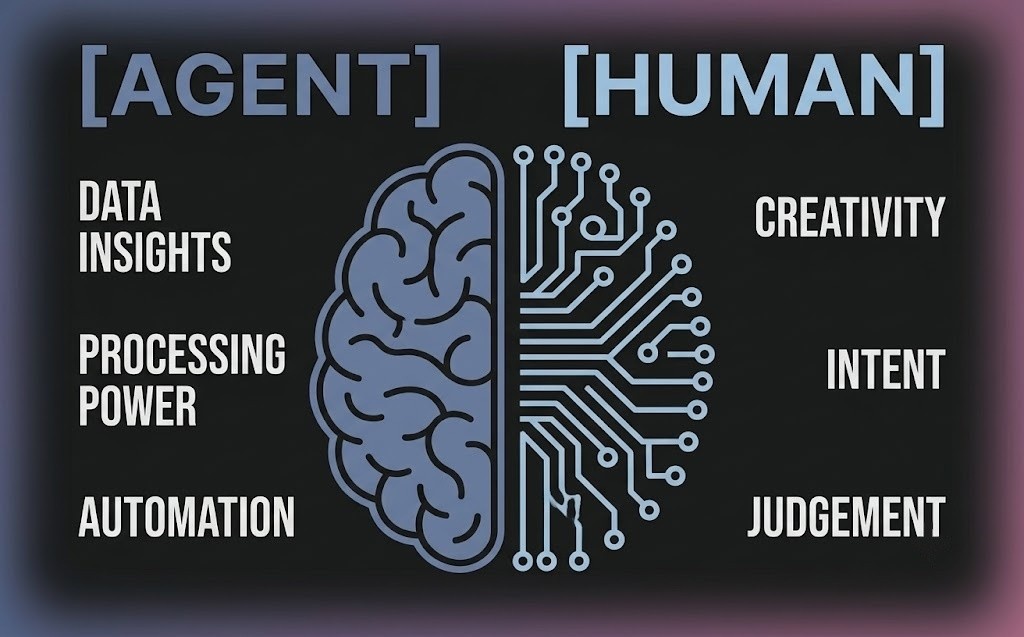
Copilots and agents are different categories, not competitors. A copilot answers when prompted. An agent takes a goal, breaks it into steps, executes them, evaluates intermediate results, and adjusts. Most engineering teams end up wanting both.
Cosmon is tool-agnostic by design. It runs natively across CAD, 2D drawings, CAE, and PLM — SOLIDWORKS included — so you aren't asked to standardize your process on a single vendor's stack.
Persistent memory is the practical difference. Cosmon's agent learns your team's conventions, and workflows can be captured as skill files one engineer builds and another loads. Session-scoped copilots start fresh each time by design.
Ask where your geometry goes. Before approving any AI tool, confirm whether files stay in your environment, whether the vendor can train on your data, and whether every action is logged and reversible in your own tools.
Copilots and Agents: A Quick Taxonomy
The AI landscape in engineering software has settled into three fairly distinct categories, and the differences matter when you're deciding which tool fits which job.
LLM copilots are conversational tools. They answer questions, summarize, generate code or text, and help you interpret results. They work turn by turn: you prompt, they respond, you act. AURA and LEO fall here.
AI agents are goal-oriented systems that use tools and carry out multistep workflows, evaluating what came back from each step and adjusting the plan before moving on. Cosmon's AI Agent falls here.
None of these replaces the others. A copilot is the right tool for a quick physics question or a syntax problem in a macro. An agent is the right tool when you want something performed - a drawing generated and checked, a model defeatured and meshed, a change propagated across an assembly - and when the task requires iteration to get right.
Cosmon Is Tool-Agnostic On Purpose
Cosmon's AI Agent runs natively inside the tools you already use rather than asking you to consolidate around any one of them. It connects to your SOLIDWORKS environment, and to your CAE and PLM tools, and operates at the orchestration layer between them. You keep your toolchain, your file formats, and your existing review process — the agent adapts to those, not the other way around.
That matters because a tolerance edit flows into the drawing, into a DFM check against your supplier's constraints, into a simulation rerun, and eventually into a PLM record that has to match what actually got built. Along the way it may pass through three or four applications and two or three people. Cosmon's AI Agent is built to track what lives in those hand-offs:
Rebuild dependencies, where a feature edit interacts with suppressed mates or parent-child sketch relationships that only surface on rebuild.
Version state across systems, where the CAD model and the external PLM record drift apart between reviews.
Whole-assembly effects, where a change passes every local check but creates a tolerance stack problem that's only visible when the assembly is evaluated as a whole.
This also means Cosmon supports your product development process end to end, not one stage of it. The agent that generates and checks your drawing is the same agent that defeatures the model for CAE, sets up the study, catches the solver error, and flags the BOM mismatch before the release review. Continuity across stages is the differentiator.
Persistent Memory: What Changes When the Agent Remembers
Copilots are session-scoped by design. Each conversation starts clean, which is appropriate for a question-answering tool - but it means the model refinements you explained last week, the GD&T conventions your team applies, and the defeaturing steps you take on every housing all have to be re-explained every time.
Cosmon's AI Agent carries memory forward in two ways.
It learns alongside you. The agent builds up context within a chat based on the tasks it performs for you and the feedback you give on its output.
It captures workflows as skill files. When one engineer knows how to run a particular type of simulation or set up a specific class of drawing, that procedure can be captured as a skill file and exported for another engineer to load into their own agent. Institutional knowledge that normally lives in one person's head, or in a PDF nobody opens, becomes something the agent can execute repeatedly and consistently across the team.
The practical result is that the tenth iteration is faster than the first, and a new engineer's tenth iteration is faster than their first, too.
How Cosmon's AI Agent Works Alongside SOLIDWORKS
When you change a part, Cosmon's AI Agent picks up the change, carries it through the drawing, the checks, and the downstream analysis, flags anything that diverges from your tolerances or standards, and logs every step. Judgment calls come back to you, and what you're left with is a record you can open, verify, and sign off on.
Across a typical SOLIDWORKS workflow, that covers:
Drawing creation and review. Generates the drawing from the model with views, dimensions, and a BOM draft, then checks it against your GD&T and drawing standards before it goes out.
DFM and tolerance stack-up. Runs your manufacturability rules and stack-up checks on every iteration and hands back the flagged list rather than a silent pass.
Parametric and mate updates. Propagates an upstream dimension or tolerance change through dependent features and flags the mates and references that break.
Defeaturing for simulation. Defeatures the CAD for CAE and exports the clean file — the repetitive prep that sits between design and analysis.
Simulation setup, troubleshooting, and postprocessing. Sets up contacts, boundary conditions, materials, load cases, and mesh; checks load-case intent against the geometry; presents a full model summary for sign-off before anything queues. Downstream, it catches solver errors, proposes fixes, and writes results into a structured report.
Version and PLM sync (early access). Catches mismatches between the CAD model and the BOM or PLM record before the morning-of-review scramble rather than during it.
What isn’t worth automating are the decisions that require human judgement:
What to do with a flagged DFM or tolerance result, which is a trade-off rather than a rule.
Novel geometry or unusual requirements, where design intent is yours to set.
The final sign-off, always.
You review the log, make the call, and sign off. See the Cosmon case studies for how the agent runs on real projects.
Data Security and IP Considerations
Before you approve any AI tool for SOLIDWORKS, the first question is where your geometry goes.
Four questions to ask:
Does it process geometry locally, or route it through external servers?
Can the vendor train on your design data?
Is it SOC 2 compliant, with encryption at rest and in transit?
Are its actions logged and reversible inside your own tools, not the vendor's dashboard?
Cosmon's AI Agent runs inside your environment, so your geometry never leaves it, and every action it takes is logged and reversible where you can see it. This matters most in automotive, aerospace, and defense work, where the geometry itself is the IP.
Final Thoughts
AI for SOLIDWORKS is worth adopting on both fronts. Copilots make you faster at the work in front of you; agents carry work across the steps and tools that follow. Which one you reach for depends on the objective.
Neither takes judgment out of your hands. The decisions and the sign-off stay yours, so nothing ships that you didn't review. If you want to see what an agent does to accelerate your own SOLIDWORKS workflows, try Cosmon's AI Agent on a real project.
FAQs
Can AI generate a technical drawing from a 3D SOLIDWORKS model? Yes, Cosmon's AI Agent generates the drawing from the model and keeps it in sync as the design changes, updating the views, dimensions, and BOM across the model, the drawing, and the PLM record, and flagging what needs your review according to your organization's standards. SOLIDWORKS's own 2026 Assistive AI for Drawing Creation also produces a generic first-pass drawing with views, dimensions, and a BOM that you finish, on its own inside the tool.
Is there an AI that reviews drawings for GD&T errors before sign-off? Yes, Cosmon's AI Agent runs your GD&T and drawing standards against each revision and hands back the list of issues for your call, rather than passing them through silently. It checks against your conventions, so the review matches how your team actually marks up a drawing.
Can AI perform a tolerance stack-up? Yes, Cosmon's AI Agent runs tolerance stack-up checks on every iteration and flags where a change pushes the assembly out of spec, including problems that only appear when the assembly is evaluated as a whole. How to resolve the stack-up stays with you.
What is the best AI for a DFM review on technical drawings before manufacturing? Cosmon's AI Agent runs your manufacturability rules against the part and the drawing and hands back the flagged features, so problems surface before a supplier catches them. Because the checks run against your own rule set, the flags reflect your process, not a generic checklist.
Can I use AI on SOLIDWORKS without routing my CAD files through a vendor's cloud? Yes. Cosmon's AI Agent runs inside your own environment, so your CAD files and design data never leave and the vendor cannot train on your geometry. This matters most in automotive, aerospace, and defense work where the geometry itself is the IP.
Can an AI agent make a STEP file editable in SOLIDWORKS? Yes. Cosmon's AI Agent can import a STEP file and modify the file and feature tree directly.
What is the best AI for SOLIDWORKS when the workflow spans Ansys and COMSOL? A cross-tool agent is the fit. Cosmon's AI Agent runs across the full CAD, CAE, and PLM chain and handles those hand-offs without a manual re-queue at each step.
What happens to rebuild dependencies when an AI agent edits a SOLIDWORKS feature? Editing a feature without accounting for suppressed mates or parent-child sketch relationships can break the model silently on rebuild. Cosmon's AI Agent flags the broken references before the geometry locks in, so the problem surfaces during the edit rather than two steps downstream.
How do I know an AI tool logs its actions in my tools, not the vendor's? Ask where the action log lives. If it is only reachable through the vendor dashboard, you do not have a record you actually control. Cosmon's AI Agent writes every action to your own tools in a form you can open, verify, and roll back, which is what an auditor or review board will ask you to show.
What does SOC 2 actually mean for an AI tool in SOLIDWORKS? SOC 2 confirms the vendor passed an independent audit of how they store, access, and protect your data, including encryption at rest and in transit. It sets a documented baseline, but it does not by itself mean your files stay on-premises. On-premises deployment is a separate decision, and it is the one Cosmon's AI Agent is built for. Visit our Trust Center for more information.
SEE RELATED ARTICLES