Jan 2, 2026
How AI Agents Elevate Design-To-Production Battery Engineering Workflows
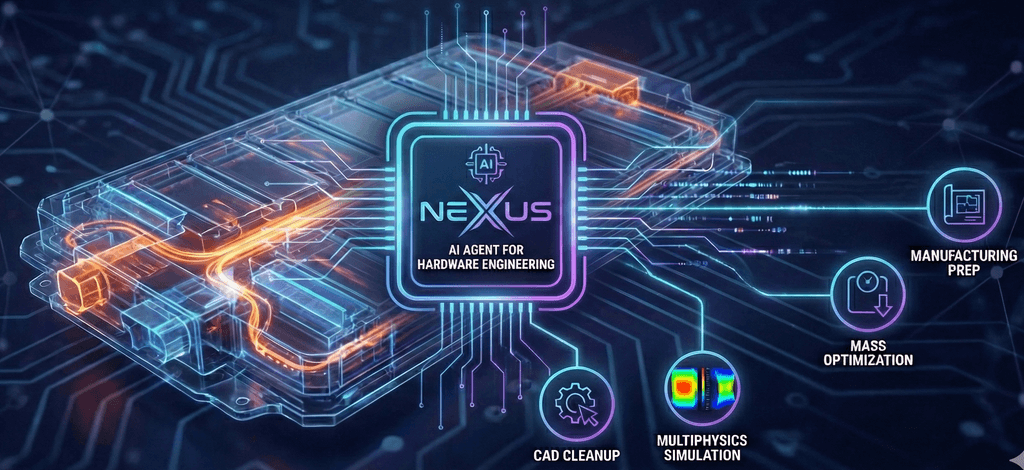
Battery pack engineering is the ultimate multiphysics challenge. It requires careful management of thermal and mass budgets, while coupling the physics of heat transfer, mechanical swelling, and power systems. The design workflow spans multiple software tools and domains—cleaning CAD models, mapping thermal expansion from fluid dynamics solvers to structural solvers, and identifying non-critical mass for removal.
Yet, for as complex a challenge as this is, a lot of the real pain today in engineering is just getting things working at all - in recent studies, engineers today have cited spending up to 40% of their time acting as "data technicians" throughout this process.
Enter Nexus, the AI Agent for Hardware Engineering.
We are introducing a new era of Agent-assisted engineering—covering workflows from concept design to production. By directly connecting our AI reasoning system with CAD tools (such as Solidworks) and CAE tools (such as Ansys Fluent and Ansys Mechanical), we automate many of the tedious aspects of computer-aided battery design and engineering.
Model defeaturing software setup, and tedious workflows like drafting are delegated to Nexus, allowing engineering teams to focus on high-impact tasks like identifying design constraints and design optimization.
Nexus integrates across the entire battery engineering workflow, saving engineers significant time and mental bandwidth—leading to better-designed products. We’ve identified four pillars, where Nexus is a value-add in the battery design, simulation, and engineering process.
Pillar 1: Automated Geometry Prep & Defeaturing
Focus: Turning CAD into analysis-ready models instantly.
When looking at the battery simulation workflow, the greatest bottleneck in not the solve time; it is the CAD cleanup time. A full battery pack assembly contains thousands of features— small fasteners, cosmetic fillets, and wire harnesses—all irrelevant to the thermal and structural physics but devastating to the mesh count and solve time.
The Solution: Intelligent Defeaturing
Our AI Agent automatically prepares models for physics solvers. It leverages context on our simulation objective to plan what model features to suppress.
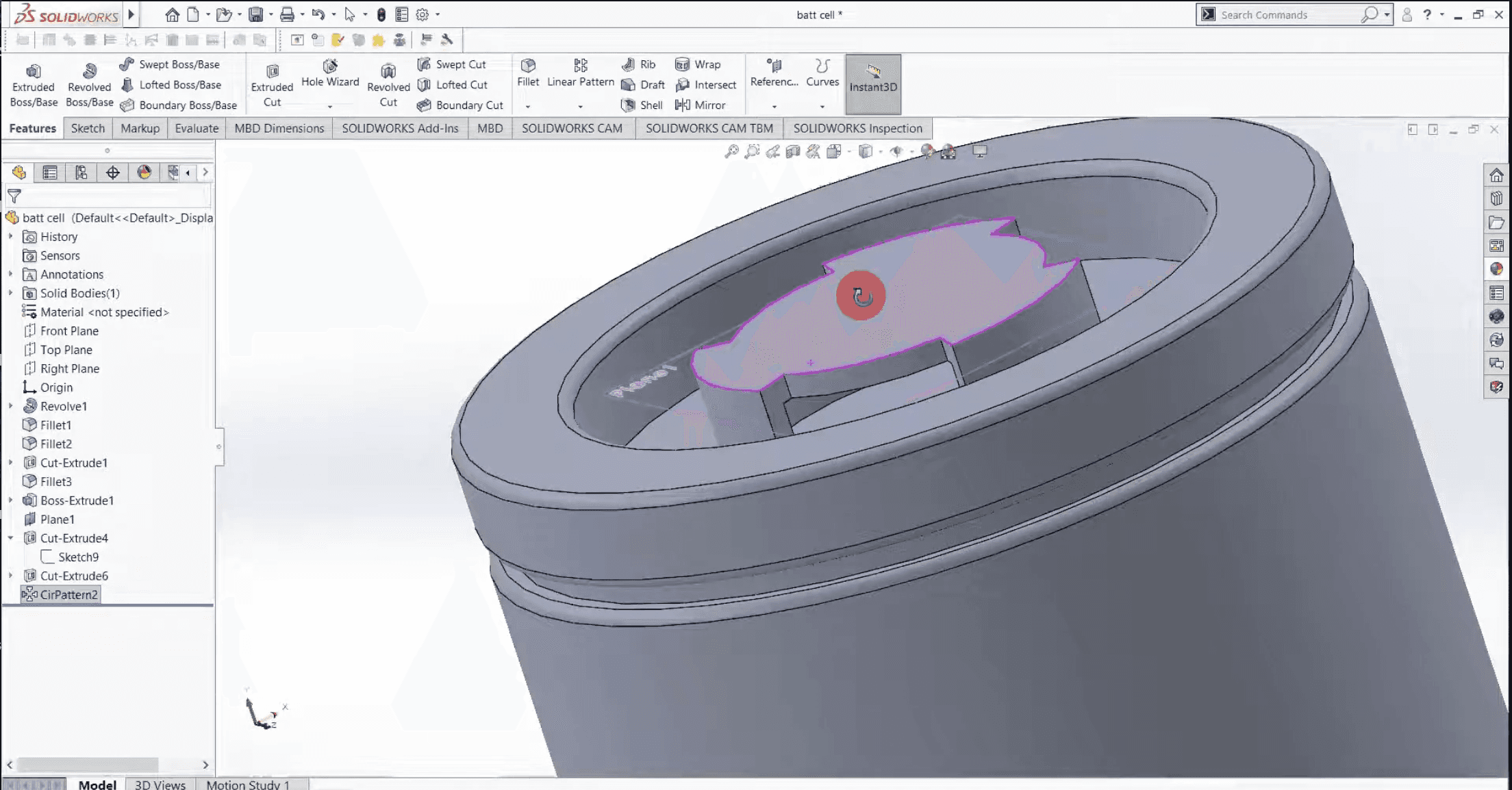
Technical Use Case: The "CAD-to-Mesh" Accelerator
The Problem: A battery pack arrives from the design team with 5,000 components. Meshing fails due to sliver surfaces and micro-fillets.
The Agent Workflow:
User Prompt: "We’re trying to model the thermal distribution during operation. Can you remove features smaller than 2mm unless they are in the critical heat path?"
Agent Action: The Agent identifies the critical paths via the rule-based prompt. It then automatically suppresses bolts, washers, and cosmetic fillets on the outer casing. It merges split faces to prevent high-skewness elements.
Result: A clean, watertight volume ready for meshing, reducing element count without compromising physics accuracy, saving the engineer hours of cleanup time.
Pillar 2: Thermal-Structural Coupling Analysis & Accelerated Simulation
Focus: Coupling fluid dynamics results with structural mechanics & automation of repetitive and parametric simulation workflows
Accurately modeling the interaction between thermal expansion and mechanical stress is critical to ensuring End-of-Life (EOL) reliability.
The Solution: Automated Data Mapping
The Agent bridges the gap between fluid and structural solvers (e.g., Ansys Fluent and Mechanical, or COMSOL), importing the temperature field into the mechanical software. The agent can also automate export and data preparation steps, as well as take charge of repetitive and parametric simulation workflows.
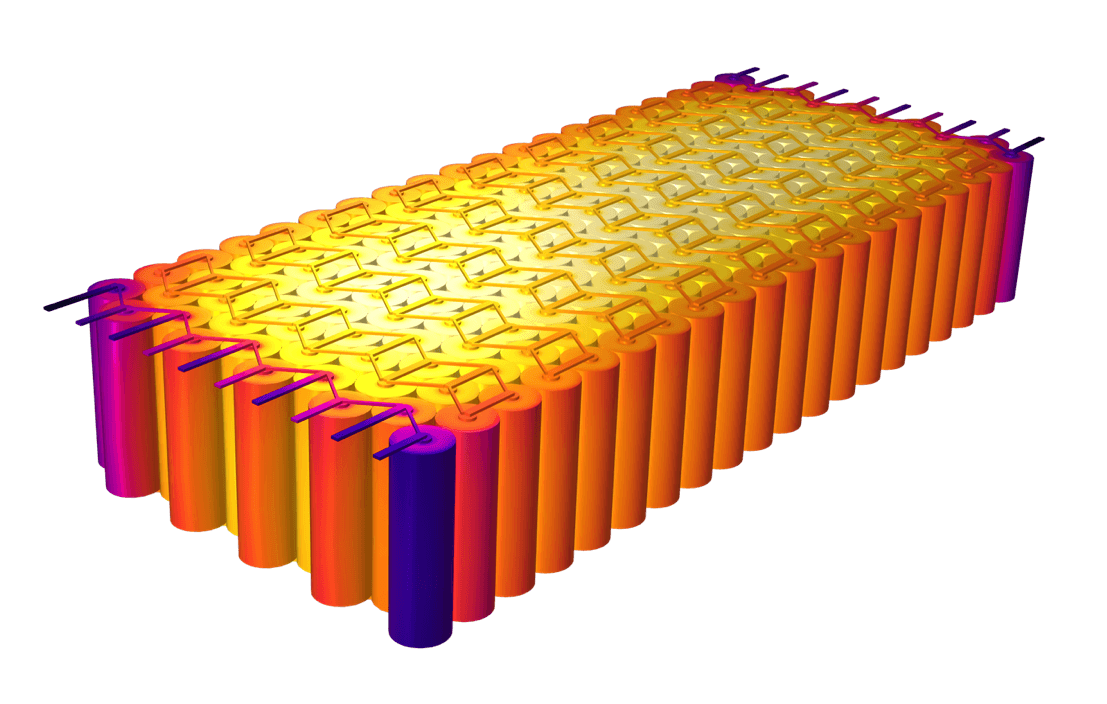
Technical Use Case: Pressure Analysis
The Problem: You need to verify that the battery casing can withstand the pressure of thermal expansion, but the thermal data is locked in a fluid solver.
The Agent Workflow:
User Prompt: "Map the temperature field from the Fluent solution to the Mechanical static structural setup. Run a swelling analysis and fatigue study focused on the interconnections"
Agent Action: The Agent scripts the import of the thermal load, detecting and assigning with the user contact interfaces. It applies the material properties for the swelling (orthotropic expansion coefficients) and sets up the study.
Resolution: The Agent successfully executes the coupled multi-physics simulation, transferring the high-fidelity thermal data from the fluid solver to the structural solver. It delivers a comprehensive stress analysis report to the engineer for further analysis.
Pillar 3: Cost-Reduction & Mass Optimization
Focus: Analyzing early designs to highlight unnecessary mass.
This is the direct request from your structural and manufacturing teams: How do we make it lighter and cheaper to build?
The Solution: Simulation Informed Geometry Manipulation
The Agent doesn't just check if a part meets the requirements; It has the capability, via the simulation results, to identify regions of the battery housing that carry no load and contribute only to dead weight.
Sample Technical Use Case: The "Material Diet" Report
The Scenario: A die-cast aluminum end-plate is heavy and expensive. The team needs to cut mass by 15%.
The Agent Workflow:
User Prompt: "Analyze the structural results of the end-plate. Highlight all regions with a Safety Factor > 4.0 and suggest material removal zones."
Agent Action: The Agent parses the Von Mises stress plot. It analyzes the result map and identifies areas (blue zones) where the material is doing almost no work.
Insight: "The upper flange has a safety factor of 6.2. You can reduce the wall thickness here by 3mm or introduce lightening pockets without compromising the structural integrity of the module lift points."
Pillar 4: The Manufacturing Bridge
Focus: From Design to Production—Standardized Documentation and Drawing.
An “optimized” design is useless if it cannot be manufactured. The Agent assists in exporting validated designs into standardized technical documentation, ensuring the design intent is communicated clearly to manufacturing engineering stakeholders.
Technical Use Case: Automated Drawing Generation & Dimensioning
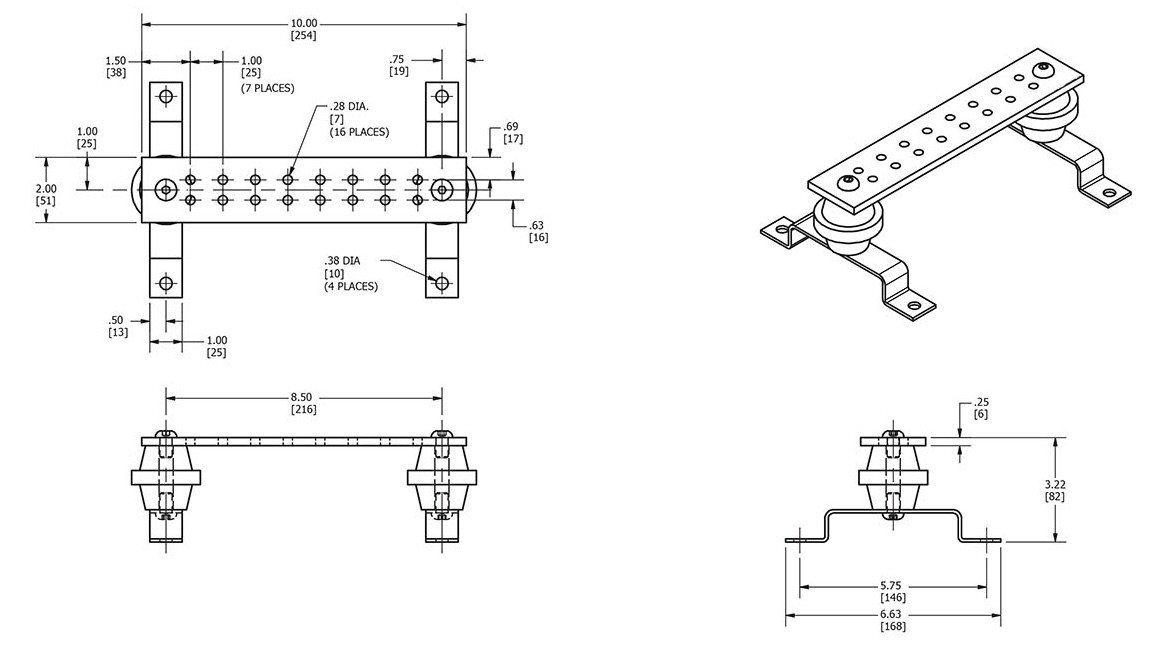
The Scenario: The design team has validated a new busbar design. Now, the manufacturing team needs the prints.
The Agent Workflow:
User Prompt: "Generate a technical drawing for the optimized busbar. Include GD&T tolerances for the terminal connections."
Agent Action: The Agent leverages scripting capabilities to generate a 2D drawing from the 3D model. It annotates critical dimensions and adds notes regarding flatness tolerances required to maintain the simulated thermal performance.
Output: A PDF drawing ready for engineering review annotated with the reasoning behind the tolerances, ensuring the downstream teams have access to the context from the design phase.
The Bottom Line: The Augmented Engineer
Adopting the Nexus AI Agent isn’t about upgrading your software tools; it’s about upgrading your team's speed and quality of work. We are empowering engineers to spend less of their week acting as "data janitors"—cleaning CAD geometry, formatting CSV files, and manually checking mesh quality.
By installing Nexus as a force multiplier, you are directly addressing the three silent killers of battery development productivity:
Stop Clicking, Start Innovating (The Time Win): The Agent takes over the manual drudgery of geometry validation and modification - allowing your team to focus on new architectures instead of fixing bad polygons.
Bridge the Physics Gap (The Quality Win): The Agent eliminates the friction of physics solvers and makes the analysis process easier, ensuring that data from simulations can be seamlessly transferred between tools.
Continuously Audit Designs (The Profit Win): Perhaps most critically, the Agent acts as a relentless design auditor. By identifying inefficiencies from results, it turns your analysis into a direct cost-reduction engine.
See It Live
Theory is all well and good, but seeing your own physics solved autonomously is better. We have prepared a live demonstration environment featuring a real-world single-cell battery module.
In this session, we won't just show you slides; we will show the Agent in action:
Are you ready to stop wrestling with tools and start wielding them?