


Workflows
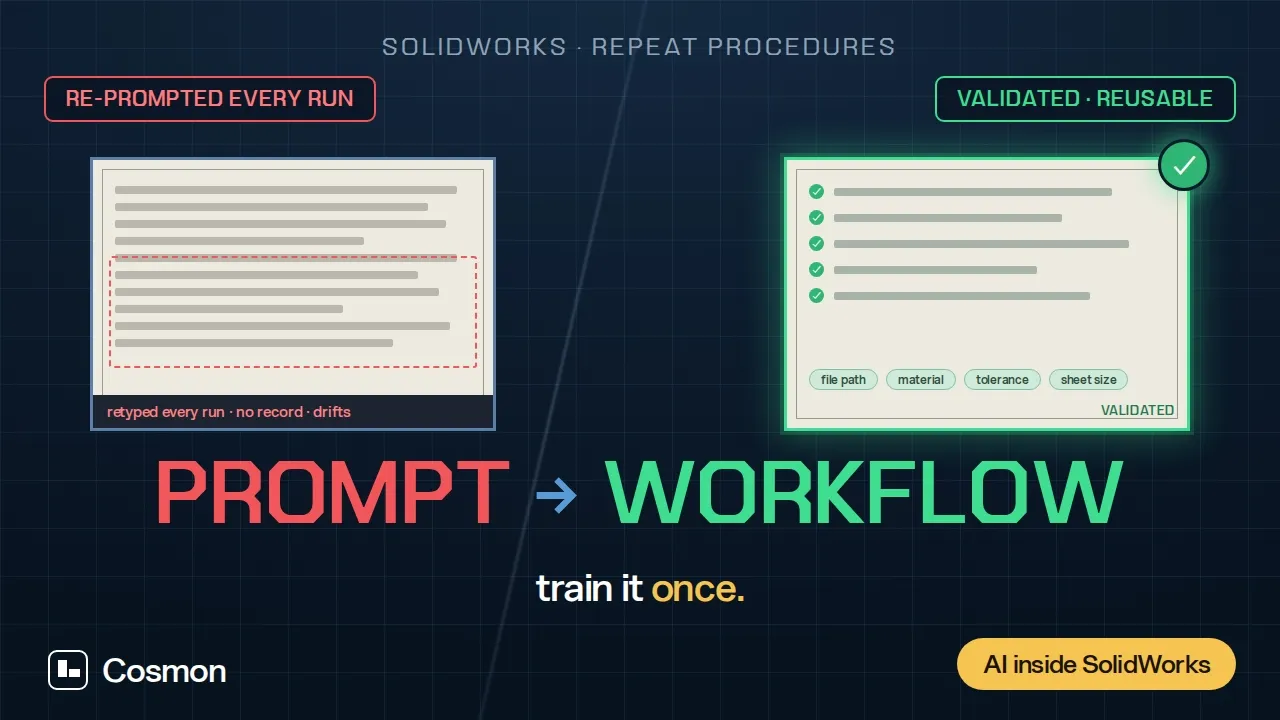
Workflows let you do the task once, save it, and reuse it as a button. Build the procedure in chat, validate it on a real file, and it’s saved to your Workflows library. From then on, running it is: open it, confirm or swap the inputs, hit Run — no re-describing the steps.
Your procedures captured as a series of steps, proven end-to-end, then run on demand by anyone on their files. Workflows can incorporate skills.
How it works
Open Workflows in the sidebar and select Create workflow. This starts a normal chat — describe the task like you always would. As you go, Nexus proposes a step-by-step plan alongside the conversation, with editable chips for the parts that should change on future runs: a file path, a dimension, a material, a template.
Build it
"Generate an assembly drawing of the current assembly from our A3 template — Front + Right view, third-angle, fully dimensioned from DimXpert data."Click any chip or step to edit it directly, or just say what to change in chat — the plan updates either way.
Test run to validate
A workflow can’t be run until it’s proven to actually work. Click Test run to have Nexus execute the full plan end to end on a real file. If it succeeds, the workflow is marked Validated and saved to your library. If a step fails, fix it and test again.
This single validated run is what “trains” the workflow — you don’t re-teach it after this.
Run it, anytime
From the Workflows library, click Run on a validated workflow. A dialog shows the parameters from your original run — swap in a new file or new values, add optional custom instructions for anything specific to this run, and confirm. Nexus executes the entire procedure without you re-typing a single instruction.Every run is logged under the workflow’s Runs tab, so you can check history or confirm what happened on a past run.